Automatically sleep inactive tabs, save memory, and keep Chrome fast without tracking or data collection.
TabGuard – Stop Tab Overload & Speed Up Chrome
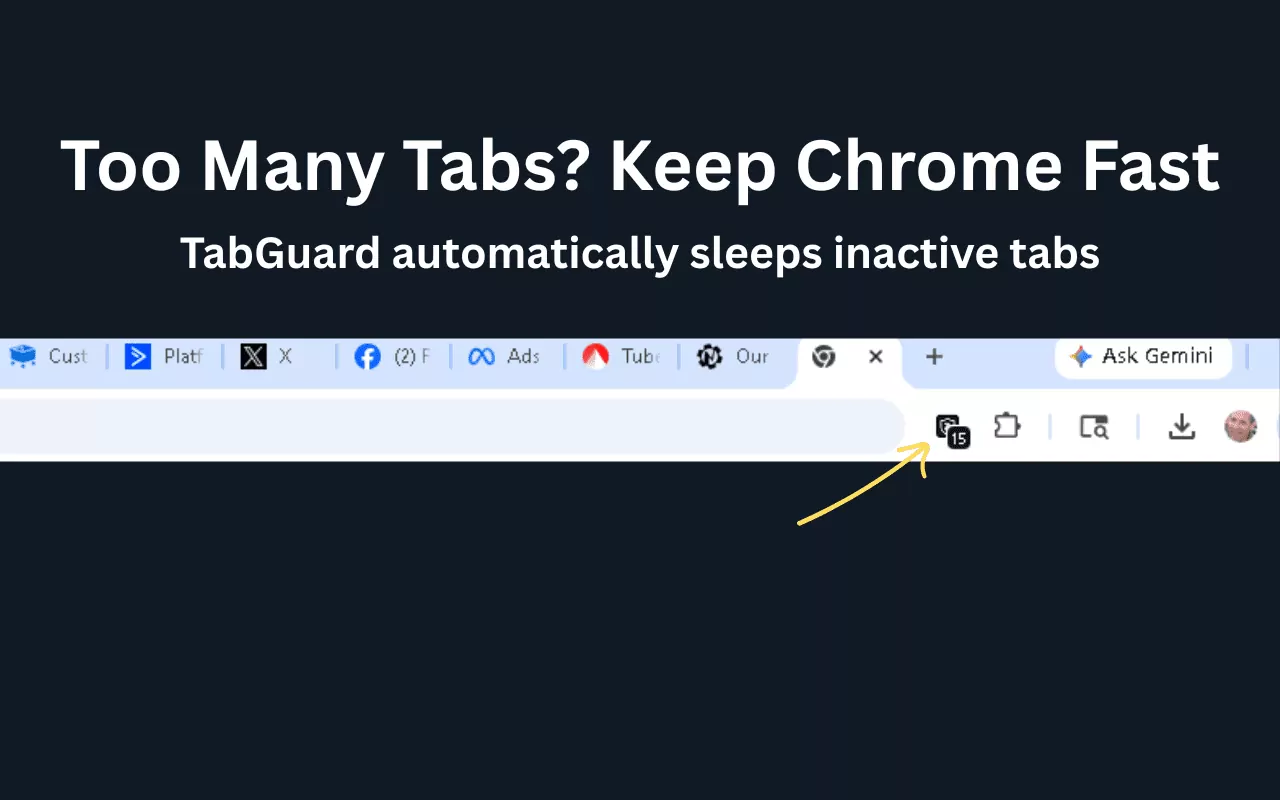
Chrome slowing down with too many tabs?
TabGuard automatically sleeps inactive tabs so your browser stays fast — without closing anything.
Keep your workflow exactly the same — just faster.
Set a timer and TabGuard handles the rest in the background.
How it works
Set your timer (like 5 minutes)…
TabGuard will:
✔ Automatically “sleep” inactive tabs
✔ Free up memory instantly
✔ Keep your browser fast and responsive
Click any tab → it wakes up instantly.
What you get:
Keep Chrome fast
Stop your browser from slowing down when you have too many tabs open.
Automatic tab sleeping
Inactive tabs are safely paused in the background — no manual cleanup needed.
Stay focused
Less clutter. Less distraction. More done.
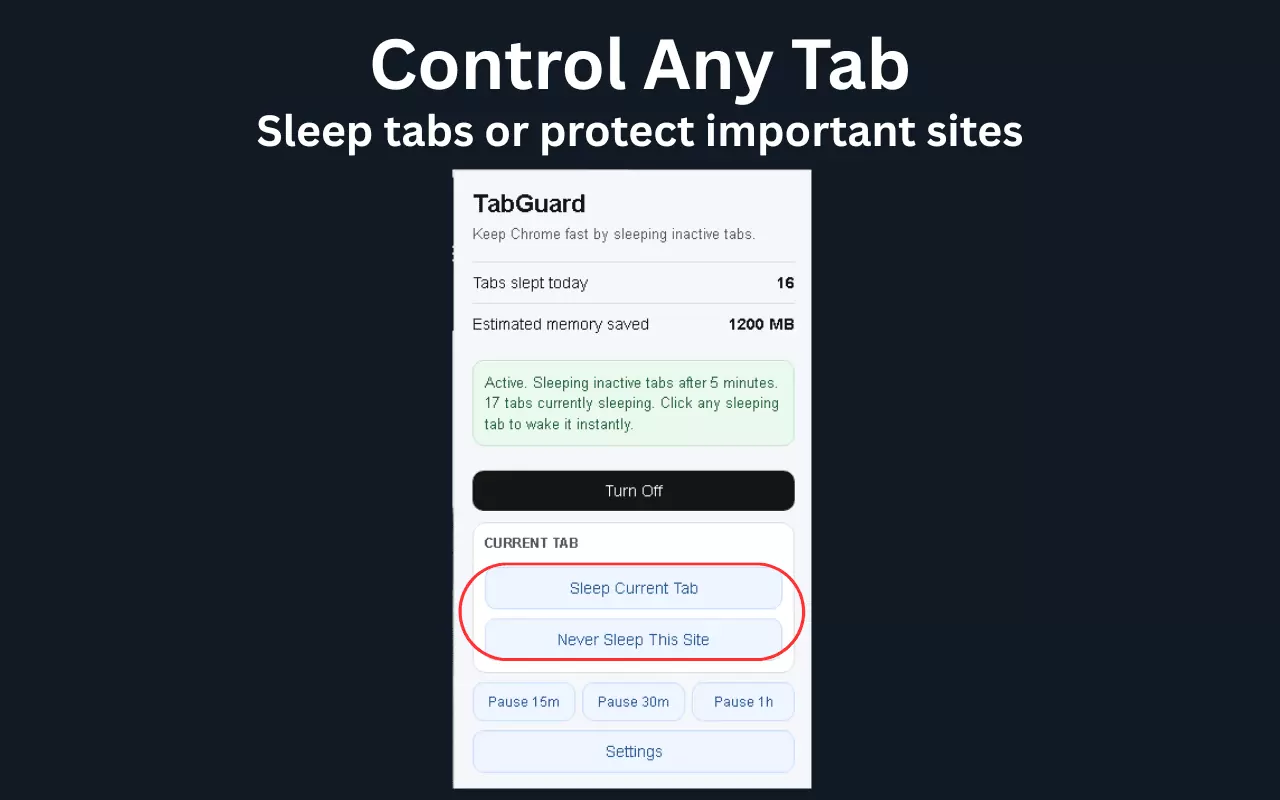
Pause anytime
Pause tab sleeping for 15m, 30m, or 1 hour when you need full access.
Full control
Sleep the current tab instantly
Never sleep important sites
Turn TabGuard on/off anytime
Privacy first (no BS)
✔ No tracking
✔ No data collection
✔ Everything runs locally in your browser
Your tabs stay yours.
Built for people who:
Keep 10+ tabs open at all times
Notice Chrome slowing down during the day
Want speed without closing everything
Need a simple, automatic solution
Why TabGuard is different
Most tab tools are:
Complicated
Overloaded with features
Hard to use
TabGuard is:
👉 Simple
👉 Fast
👉 Automatic
Set it once — and it just works.
Install in seconds
Click Add to Chrome and instantly:
Free up memory
Speed up your browser
Take control of your tabs

© 2026 Golden State Web Consulting